Evaluation
I think that my 3D environment has achieved the aim of the project set. I feel I have met all aspects of the tasks which had to be completed throughout the project. I feel that my environment went well because I was able to be adaptable. For example: During the design process I realised that the floor plan I had initially designed was not suitable. The corridors were too small on the first design so I had to make these bigger in order for the environment to look realistic. The final environment was also smaller than I had first planned due to time management. . It was difficult to build the environment initially in Modeler but it became easier once I had the hang of it. I needed some assistance with making certain objects in my environment like the doors because I was unsure of how to get the correct shape. The finished environment was textured well and looked realistic. It was exactly the textures I had in mind and fit in well with the chosen theme. Another aspect of the environment I found difficult at first was the walkthrough with the camera. I had to make sure that I had all of the camera angles correct and at the right height. I also had to ensure that the speed was right so that it wasn't too fast or too slow.
Tuesday, 1 December 2015

Task 6 – Prototype/Flythrough Build
Environment Beginning

After creating my floorplan I opened Modeler where I had to build a series of different sized objects. These objects included: 1m, 1.5m, 0.5m walls and corners. After making these objects I then had to use my floorplan as a guide and build it into Modeler. This then gave me the same layout as my floorplan however it gave me the opportunity to see my environment in 3D.
Environment Middle


After creating my floorplan I opened Modeler where I had to build a series of different sized objects. These objects included: 1m, 1.5m, 0.5m walls and corners. After making these objects I then had to use my floorplan as a guide and build it into Modeler. This then gave me the same layout as my floorplan however it gave me the opportunity to see my environment in 3D.
Environment Middle

Once I had all of the objects into place I was then able to add a floor which gave my environment some depth. I did this by creating a floor tile and then making it bigger until it covered the whole underneath of my environment plan.
Environment End

After adding the floor I was then able to add panels on the top of my environment which were lights and ceiling tiles. Not only did this help to light my environment it also made it a solid 3d space. I then was able to add textures and surfaces to the completed environment.
Task 5 – Environment Build
1 meter wall


1.5 metre wall

0.5 metre wall

Corner

Door

Door frame

Ceiling


Task 3 – Design Pack

This is a floor-plan for my 3D environment.I had to chang certain aspects of this plan, as I had to make it smaller due to time management.

This was the inspiration for my 3D environment. I liked to look of this picture because it looked clean and clinical, I also like how it looks futuristic medical facility, which fits in with the brief of the assignment.
Task 2 – Setting Research and Ideas Generation
Space Station Research and Ideas Generation
Films


Sources
Films


Images 1 & 2 are taken from the film Alien. The setting of these images appears dark and grimy. I think these are good images because they seem mysterious and give the setting some edge. In contrast to this image 3 from Star Wars appears more clinical and like a lab setting. The other images are also taken from Star Wars. Images 4 & 5 are mysterious and image 6 gives the impression of another world outside the window so it is futuristic.
TV


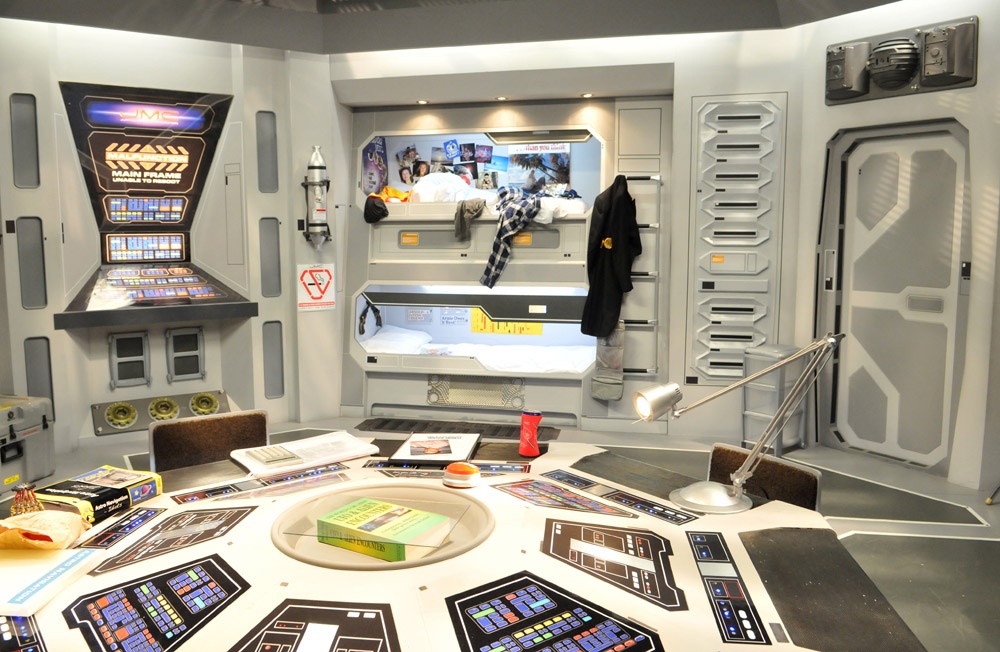
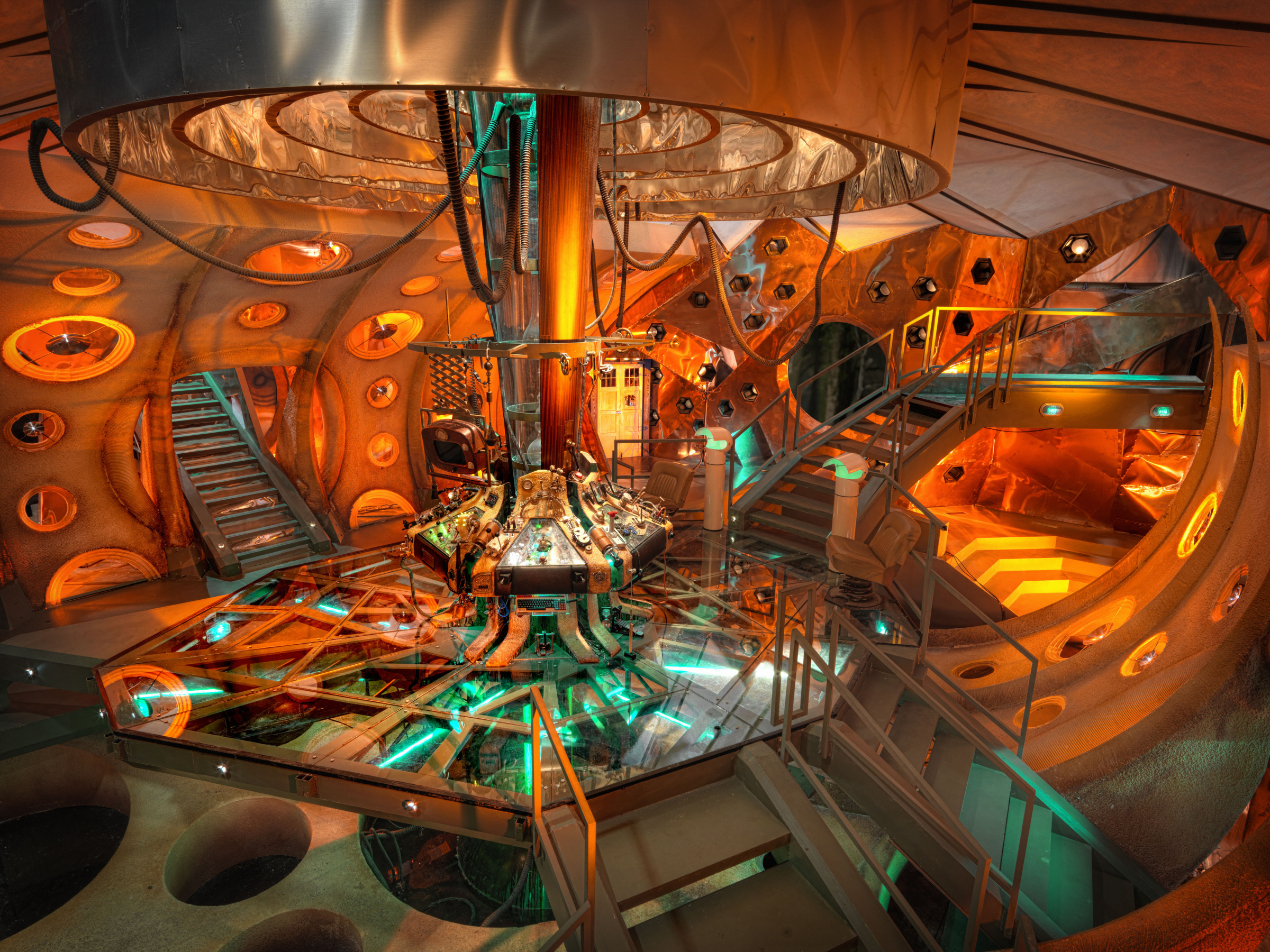
Images 1 & 2 are taken from the TV series Star Trek. The interior appears friendly and welcoming although it is very basic. Image 3 is taken from Doctor Who. This image is enticing because of its use of bright colours. In contrast to this image 4 taken from Red Dwarf is very plain although it does have a lot of detail in the imagery. Finally image 5 is taken from Blake’s 7. This interior is very dark and basic.
Animation


Images 1 & 3 are taken from the video game Mass Effect. Image 1 uses darker colours and appears to be an abandoned areas. Where as in image 3 the environment is very clean and appears more looked after. Image 2 is taken from the video game Dead Space. This environment looks eerie and mysterious. The final image is taken from Metroid (a video game) this environment is quite simplistic and is similar to image 1.
Space Station Maps


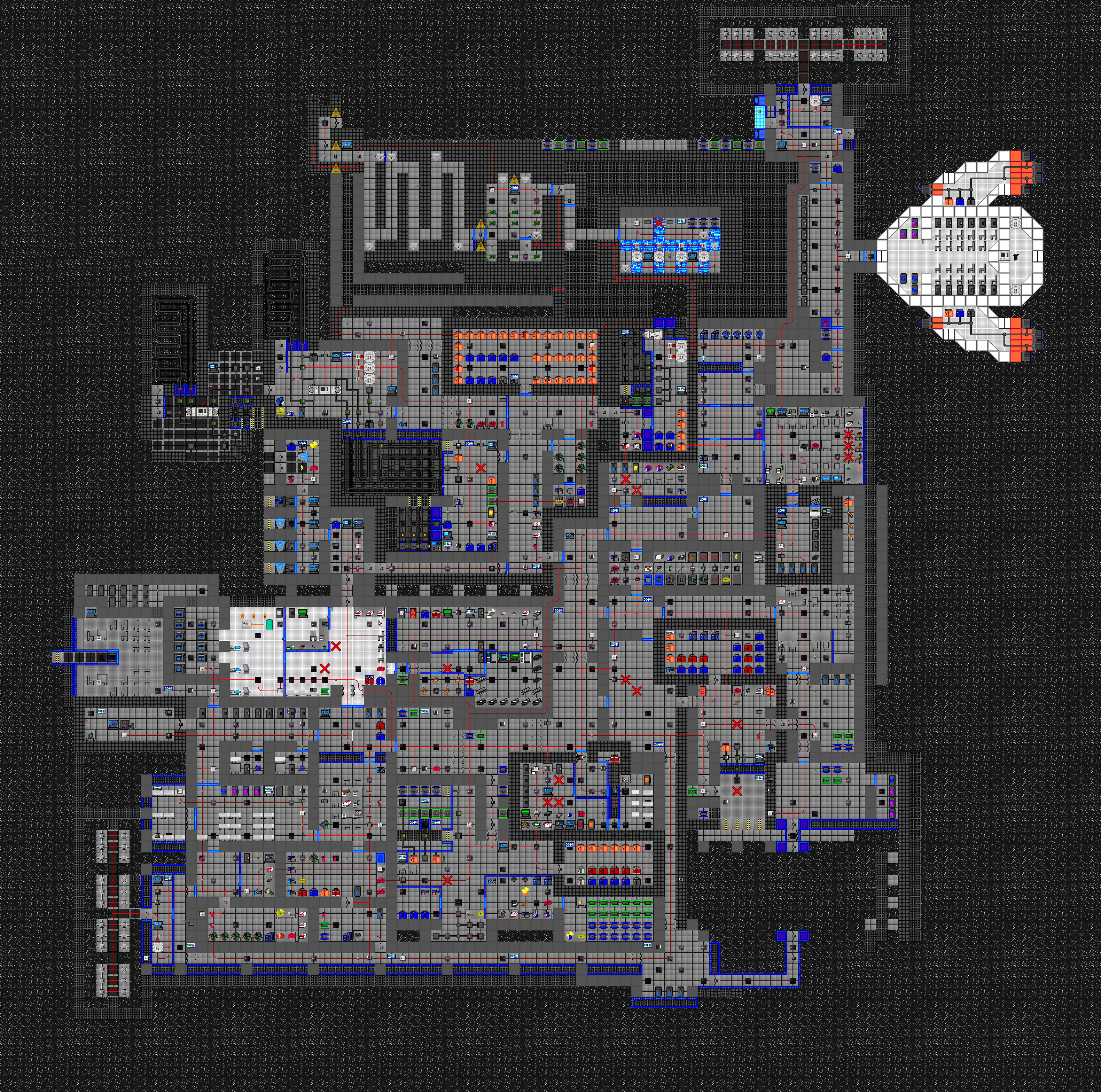
I have looked at some different images of space station maps. These have given me ideas for how I would like to layout my space station. I think it is a good idea to have a key colour system so different colour represent different areas of the map. For example: Medical = Red.
Sources


•http://simoncpage.co.uk/blog/wp-content/uploads/2008/10/concept_desolate_hallway_download_021208.jpg



Subscribe to:
Posts (Atom)